Turning off email notifications
- Log into your GeoGuessr account
- Go to Account
- Select Preferences & Notifications
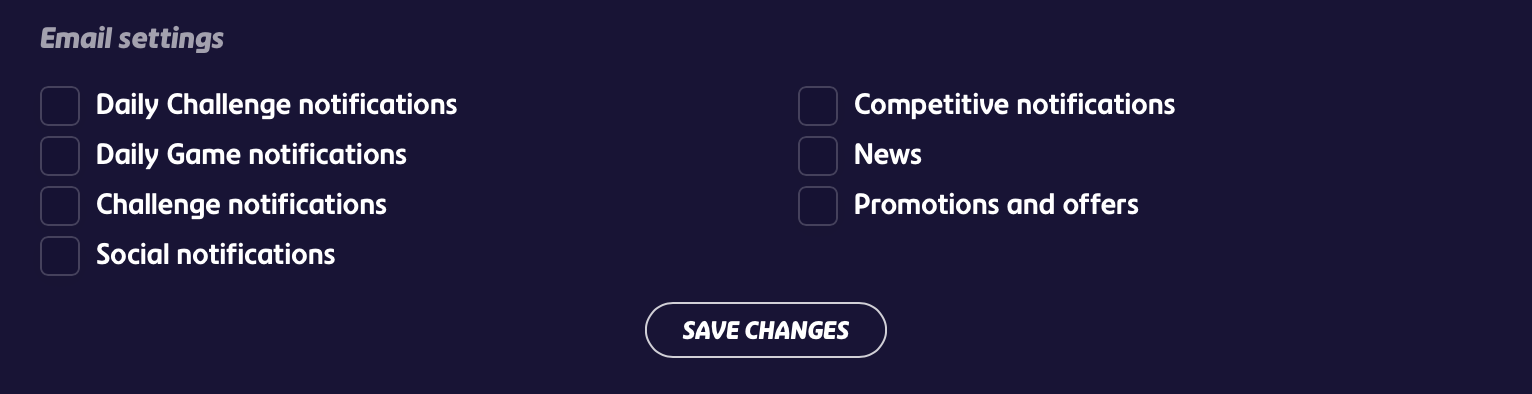
- Find Email Settings
- Uncheck the notification types you'd like to stop receiving
- Save your changes
Still seeing daily streak alerts on iOS?
If you've disabled notifications on your iPhone but are still seeing daily streak alerts, this is likely a Live Activity, not a standard push notification. Live Activities work differently and can still appear on your lock screen even when regular notifications are turned off.
To disable this specifically:
- Go to Settings > Apps > GeoGuessr > Live Activities
- Set Allow Live Activities to Off
Was this article helpful?
That’s Great!
Thank you for your feedback
Sorry! We couldn't be helpful
Thank you for your feedback
Feedback sent
We appreciate your effort and will try to fix the article