You can update your email through your account settings.
Here’s how:
- Login and go to your Account Settings page
- Disconnect any linked accounts (Google, Apple, or Facebook)
- If connected, disconnect your Steam account as well (contact support for help with this)
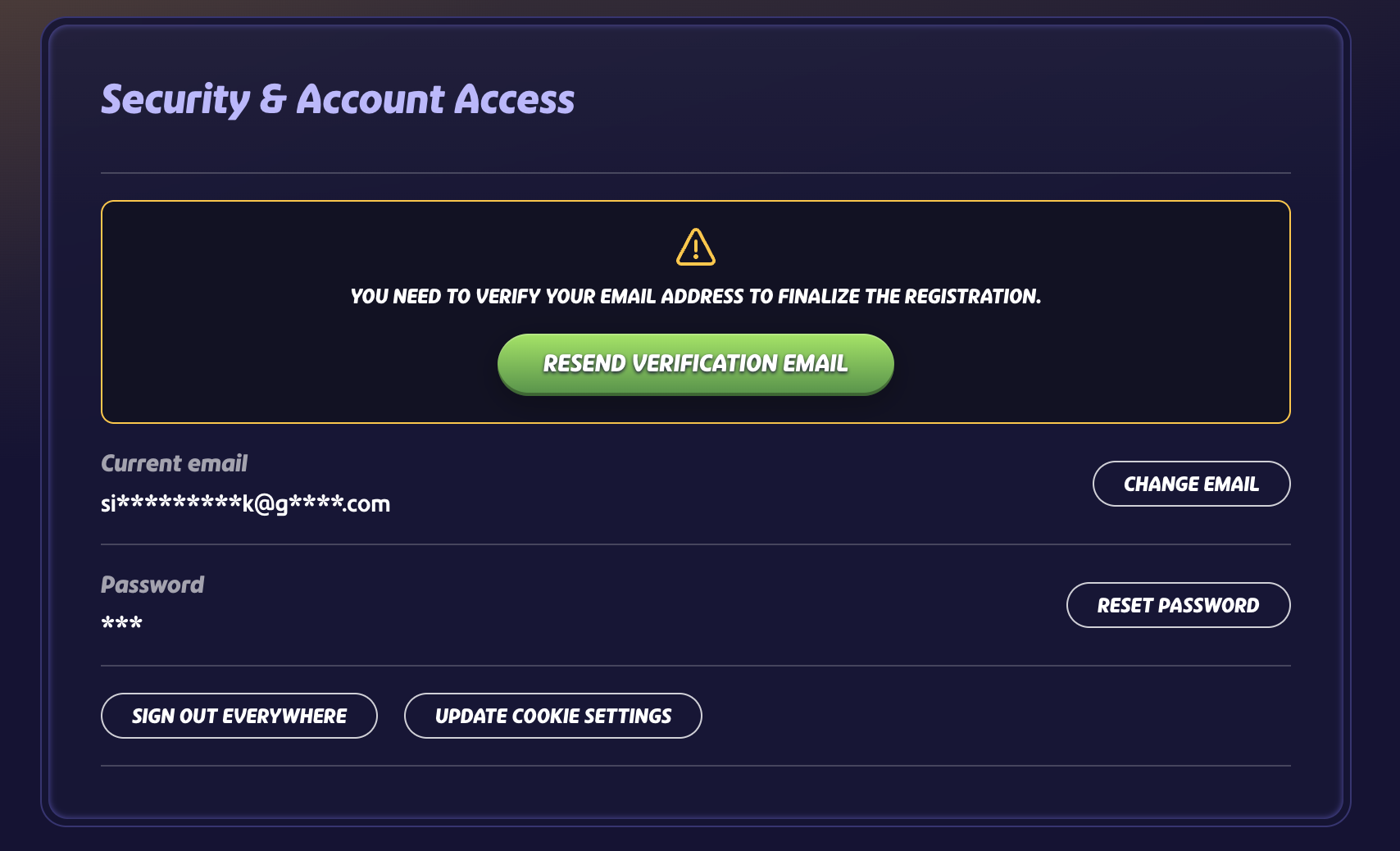
- Once all connections are removed, you’ll see the option to change your email address
- Enter your new email address and set a new password
- Please ensure to verify your email address as well
Was this article helpful?
That’s Great!
Thank you for your feedback
Sorry! We couldn't be helpful
Thank you for your feedback
Feedback sent
We appreciate your effort and will try to fix the article