You can delete your account through your account settings.
Before your start:
- Make sure you are logged into your account.
- Make sure you have cancelled your subscription.
Here’s how:
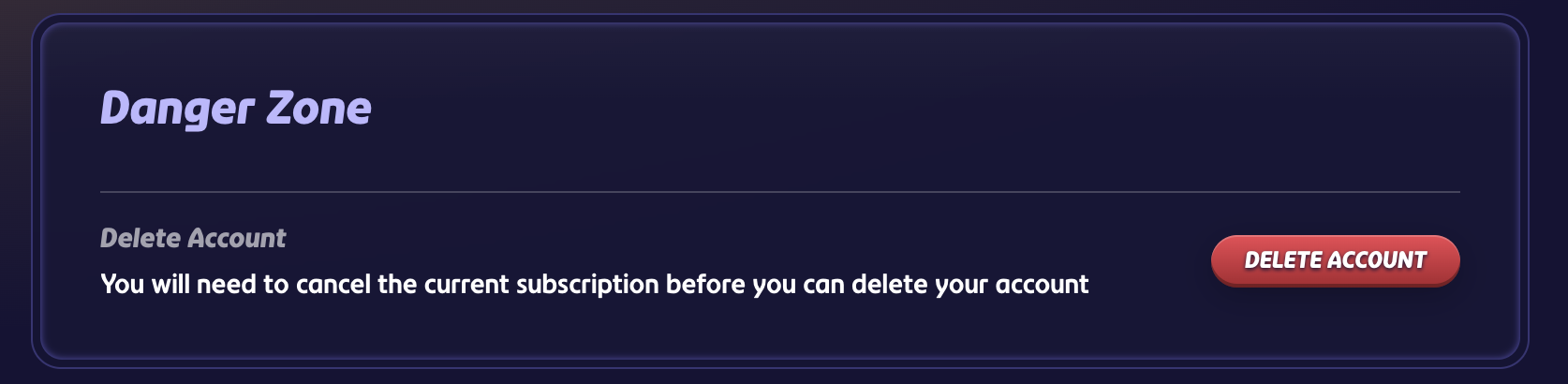
- Go to your Account settings
- Scroll to the Danger zone section
- Select Delete account
- Follow the steps to confirm
Warning: Please be absolutely sure you want to delete your account before doing this is a permanent action. The personal stored data on the account will also be removed from our system.
Was this article helpful?
That’s Great!
Thank you for your feedback
Sorry! We couldn't be helpful
Thank you for your feedback
Feedback sent
We appreciate your effort and will try to fix the article