We’ll soon replace passwords with one-time login codes sent to your verified email address.
This is in effort to make it simpler for players to sign-up and log into any platform from one account. It will also increase security as it will no longer require managing passwords, and your account will be less susceptible to hacking.
Please note that it is still important that you keep your email account secure!
This change will come to all platforms in the near future, but we are starting with the Mobile iOS App first. As we move to implement this on more platforms, we will update this article with the relevant information. So make sure to check back in.
Process for Web version
Starting 25th June 2026, when you sign in or sign up on geoguessr.com, you'll now be able to log in with a one-time passcode instead of a password:
- Go to the sign-in or sign-up page and enter your email address.
- Check your inbox for an email from GeoGuessr containing a 6-digit code. You can either:
- Enter the 6-digit code on the website and select Continue, or
- Simply click the link in the email to be signed in automatically.
- If you don't receive the email, you can select Resend after a short wait. Make sure to check your spam folder.
- Codes are valid for 10 minutes. Make sure you have access to the email address registered to your account — if not, please update your email before continuing.
Process for iOS and Android apps
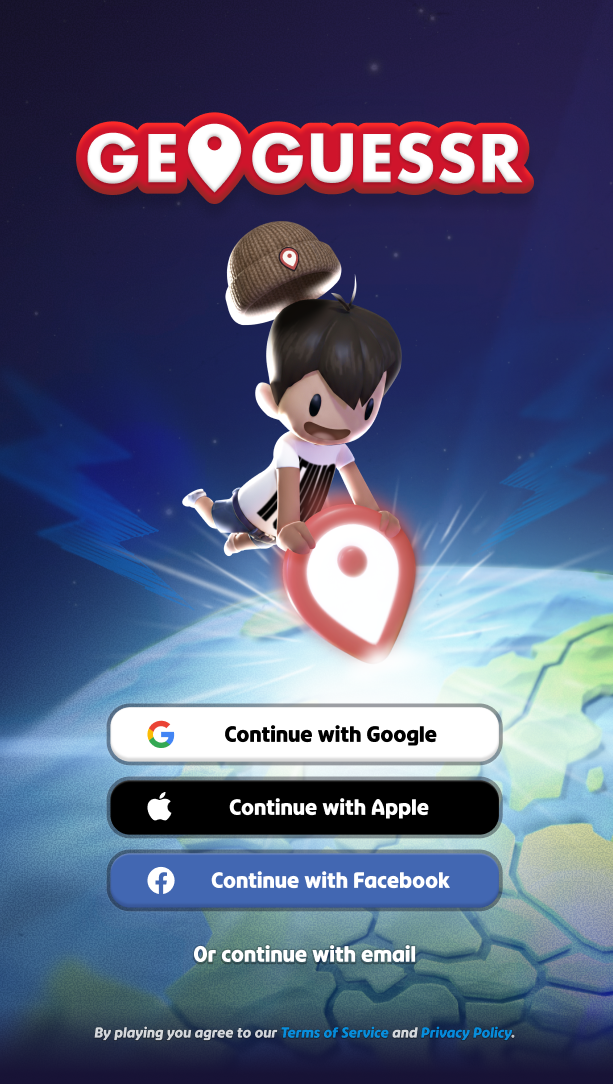
Starting 28th May 2026, when you open the iOS or Android GeoGuessr app you will be prompted to verify your email address (if it is not already verified). There will be a grace period to allow as many people to verify their emails as possible before we switch over fully to OTP login.
If you no longer have access to the email address on your GeoGuessr account, you need to change it to one that you can access.
Guest accounts
Due to this new, more secure login method, the possibility of creating or keeping a guest account will no longer be possible. We will require an email associated with your account in order for you to login and play GeoGuessr.
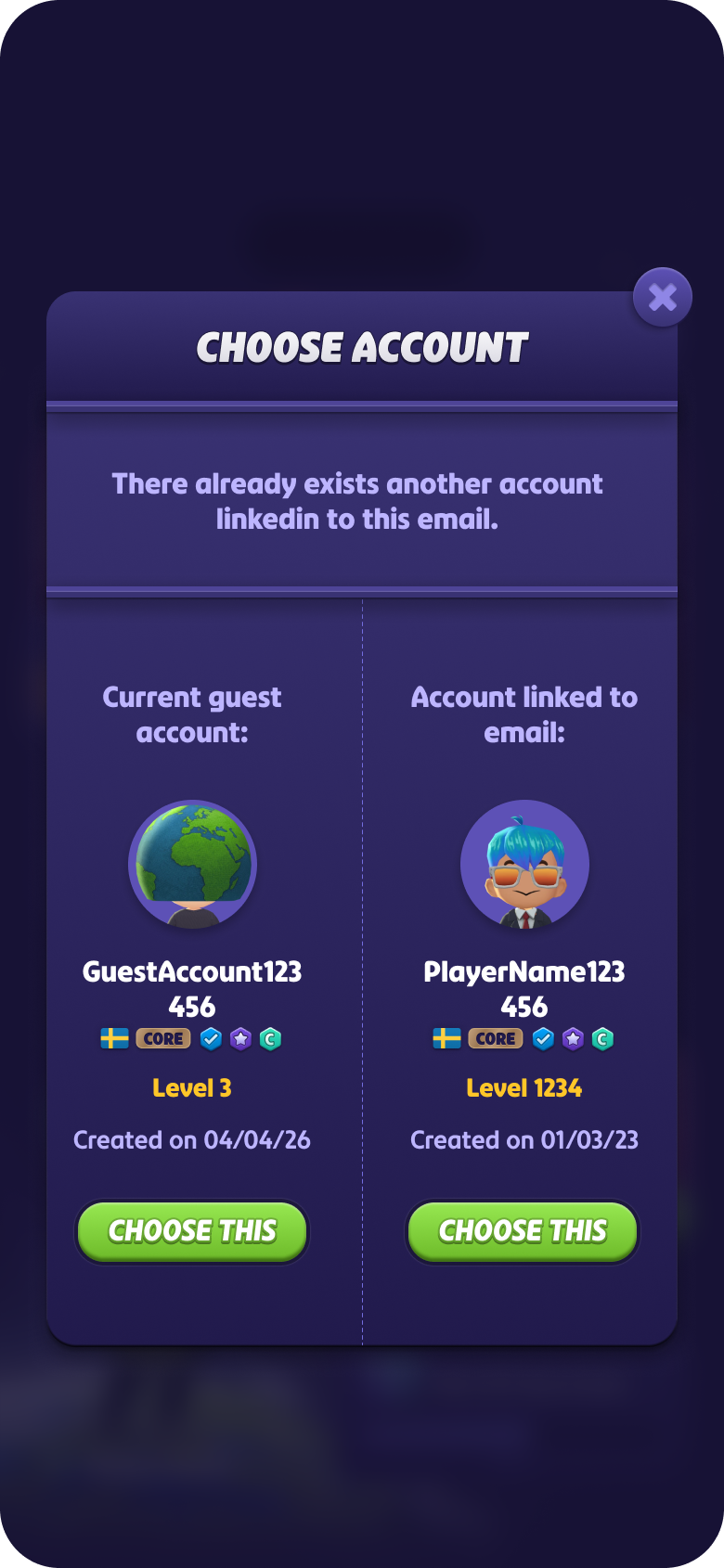
You will have the option to keep your current guest account, however, you will be prompted to assign an email address to the account upon OTP login.
If you try to add your email address to your guest account but the email is already associated with another GeoGuessr account, you will receive an option to move your email address to the guest account or login to the current email-linked profile. Please note that whichever account you select to assign that email to, the other account will be permanently deleted.
Other login methods:
Nothing changes for those using other log in methods with Google, Facebook, Apple.
For new accounts created on the mobile app using OTP:
New accounts will not be able access the other platforms as they will still require a password to log in. Until OTP is implemented on all other platforms, if you want to login on another platform the current solution is to create a password by going to the website, opting to log in and click on forgot password, where you will be sent an email to create new one. Then you can login using email and password. On iOS, the login will still be OTP however.
Was this article helpful?
That’s Great!
Thank you for your feedback
Sorry! We couldn't be helpful
Thank you for your feedback
Feedback sent
We appreciate your effort and will try to fix the article