In order to change your profile's country flag or nick name:
- Click on your avatar image/username to navigate to 'Account'
- Once in your Account settings, you'll see the option to edit both your nick name and flag
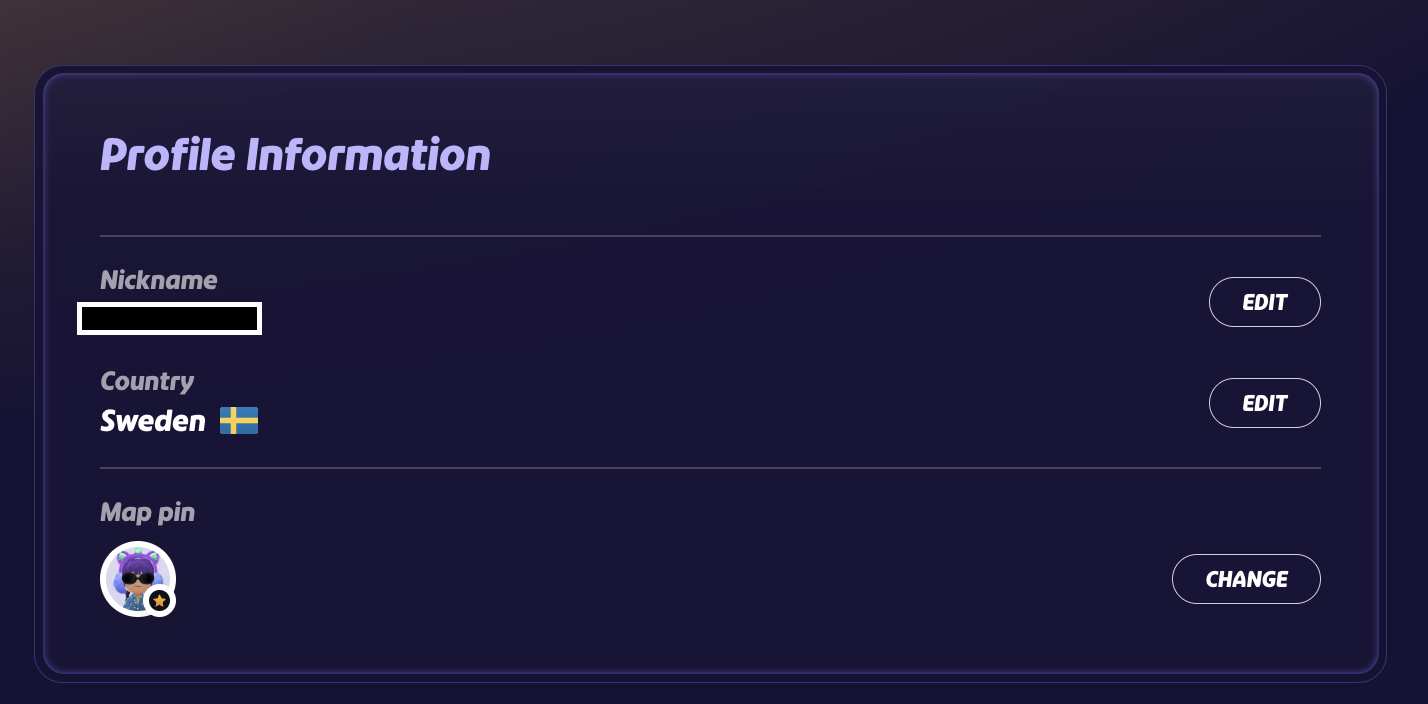
Please note there is a 30-day limit of how many times you can edit the nick or flag.
This is due to security reason and cannot be reset, unless there is a legitimate issue due to account security. If you are in need of assistance with your nick or flag, please contact customer support through the support portal
Was this article helpful?
That’s Great!
Thank you for your feedback
Sorry! We couldn't be helpful
Thank you for your feedback
Feedback sent
We appreciate your effort and will try to fix the article