If you wish to report a user who has an inappropriate alias, avatar, team name or that you believe is cheating, you can do so in a few different ways.
You can navigate to their Profile and click on "Report Player". Please include URL to a Game or a Map as well.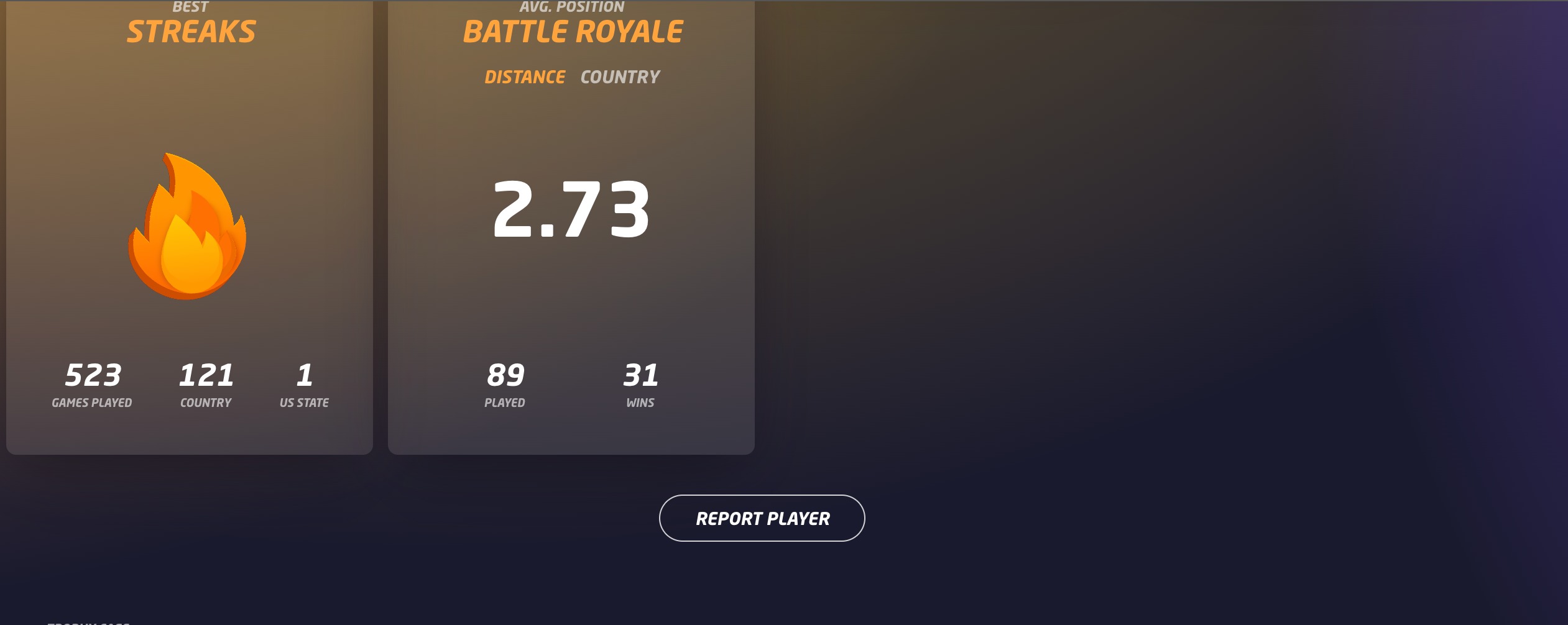
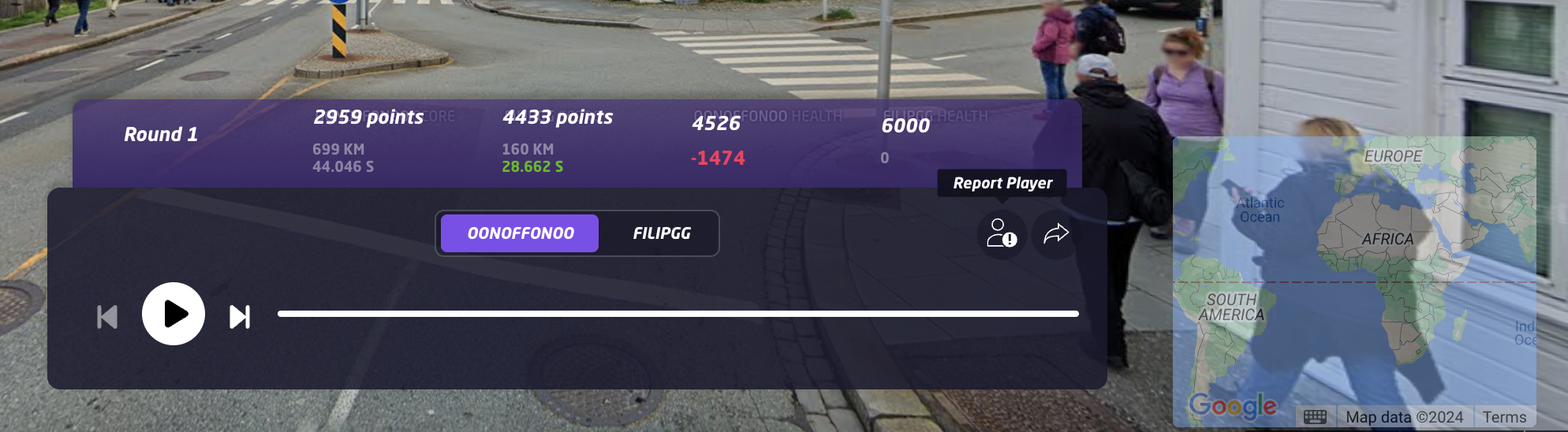
You can also Report a player through the Replay of the game. Mark the round you want to report and include additional information in the popup.
To report a player on Steam GeoGuessr:
- Ranked Duels: Please visit your game history and go to that game to report the player you were dueling.
- Quickplay Duel: You can only report a player at the end of the duel on the summary page. Once you leave the summary page, there is no way to report the player.
Was this article helpful?
That’s Great!
Thank you for your feedback
Sorry! We couldn't be helpful
Thank you for your feedback
Feedback sent
We appreciate your effort and will try to fix the article