You can edit your avatar by two methods:
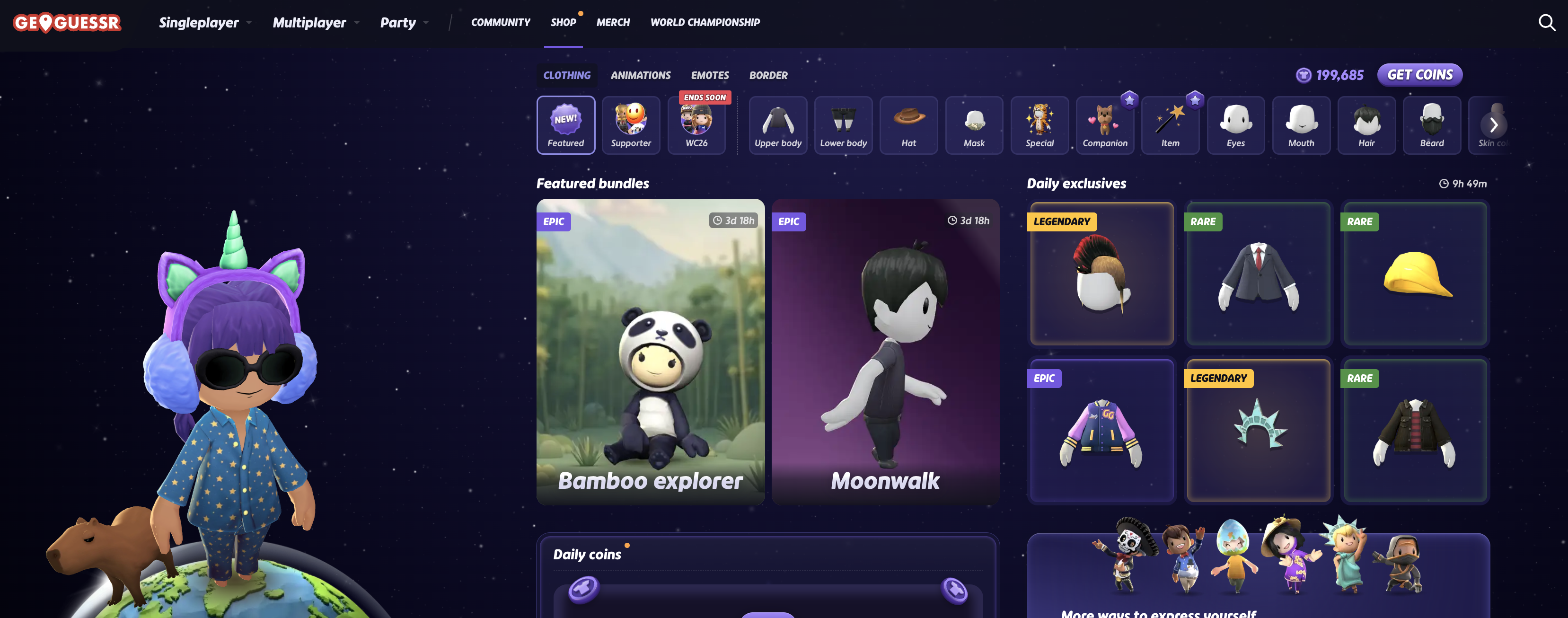
1. You can select 'shop' in the top menu bar, or in mobile, you may see this in the drop down menu.
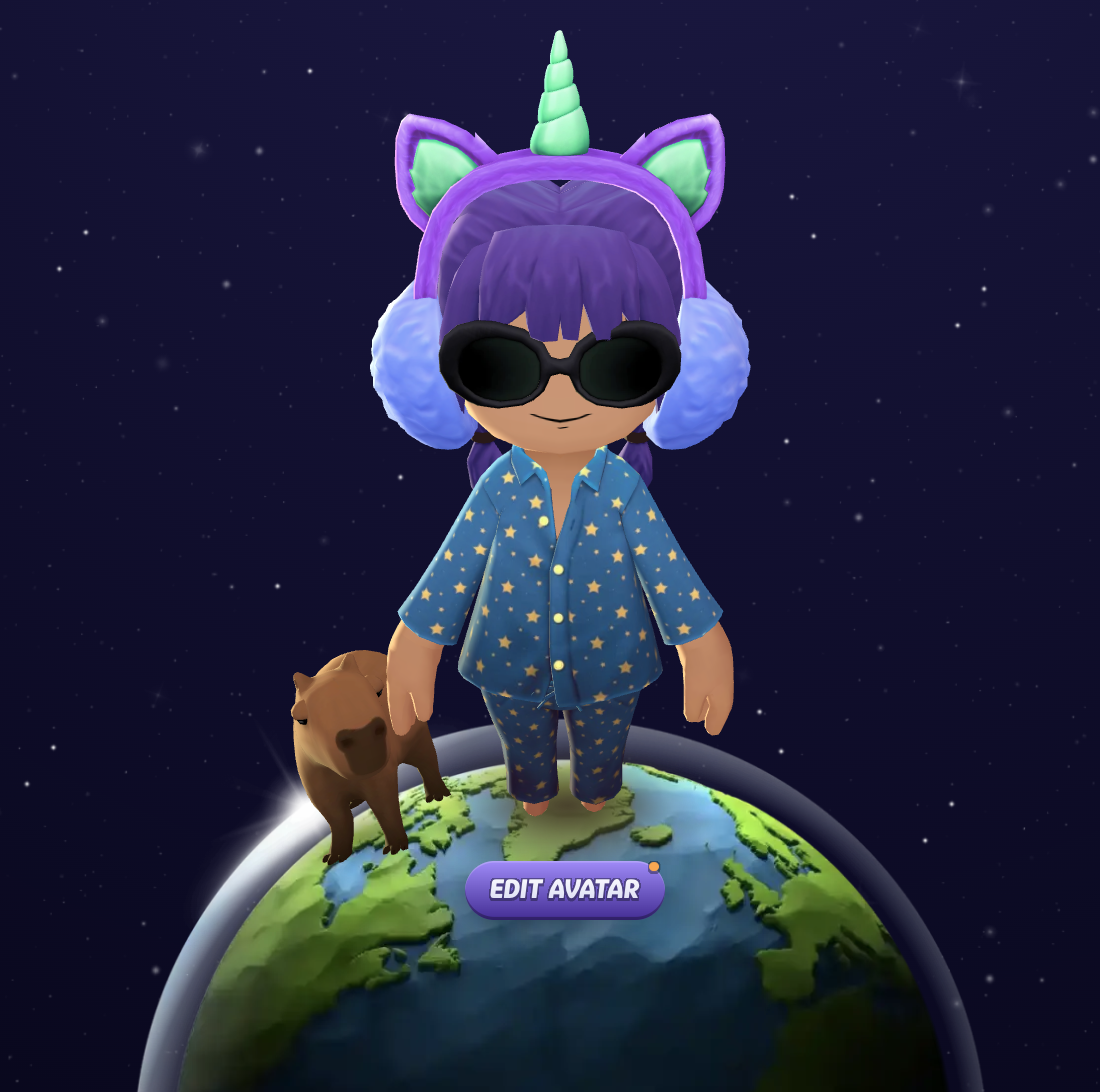
2. You can select 'edit avatar' on the home page (landing page) here https://www.geoguessr.com/me/profile. Then you will be sent to the avatar shop.
You will then see the option to select items for both your outfit and your avatars features.
Be sure to check frequently, as more and more items will be added!
Was this article helpful?
That’s Great!
Thank you for your feedback
Sorry! We couldn't be helpful
Thank you for your feedback
Feedback sent
We appreciate your effort and will try to fix the article