If you'd like to create your own community map for your friends, family, or other players to play, visit your Creator Hub! https://www.geoguessr.com/creator-hub.
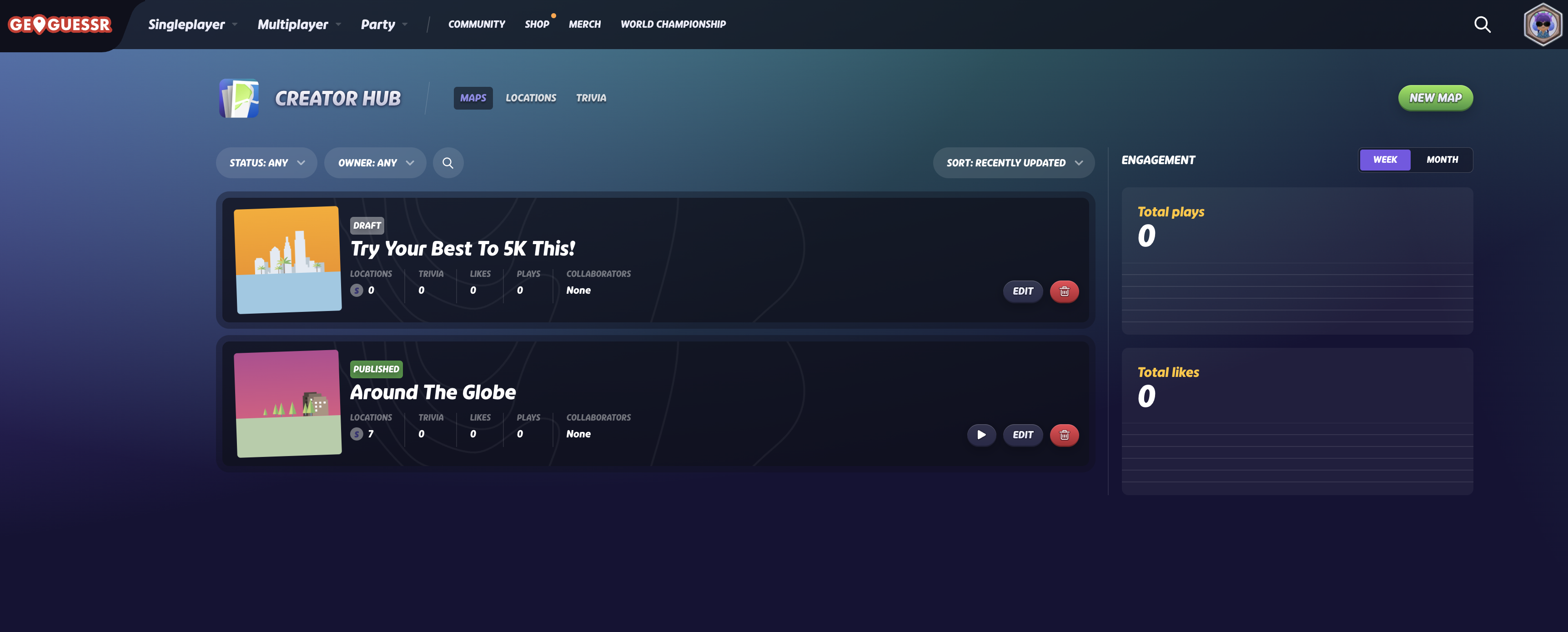
There you should see the button to to select 'New Map'. You'll be directed to a map making editing page.
In our map maker you can pick every location by hand or use our Polygonal Region-tool to drawing the different locations.
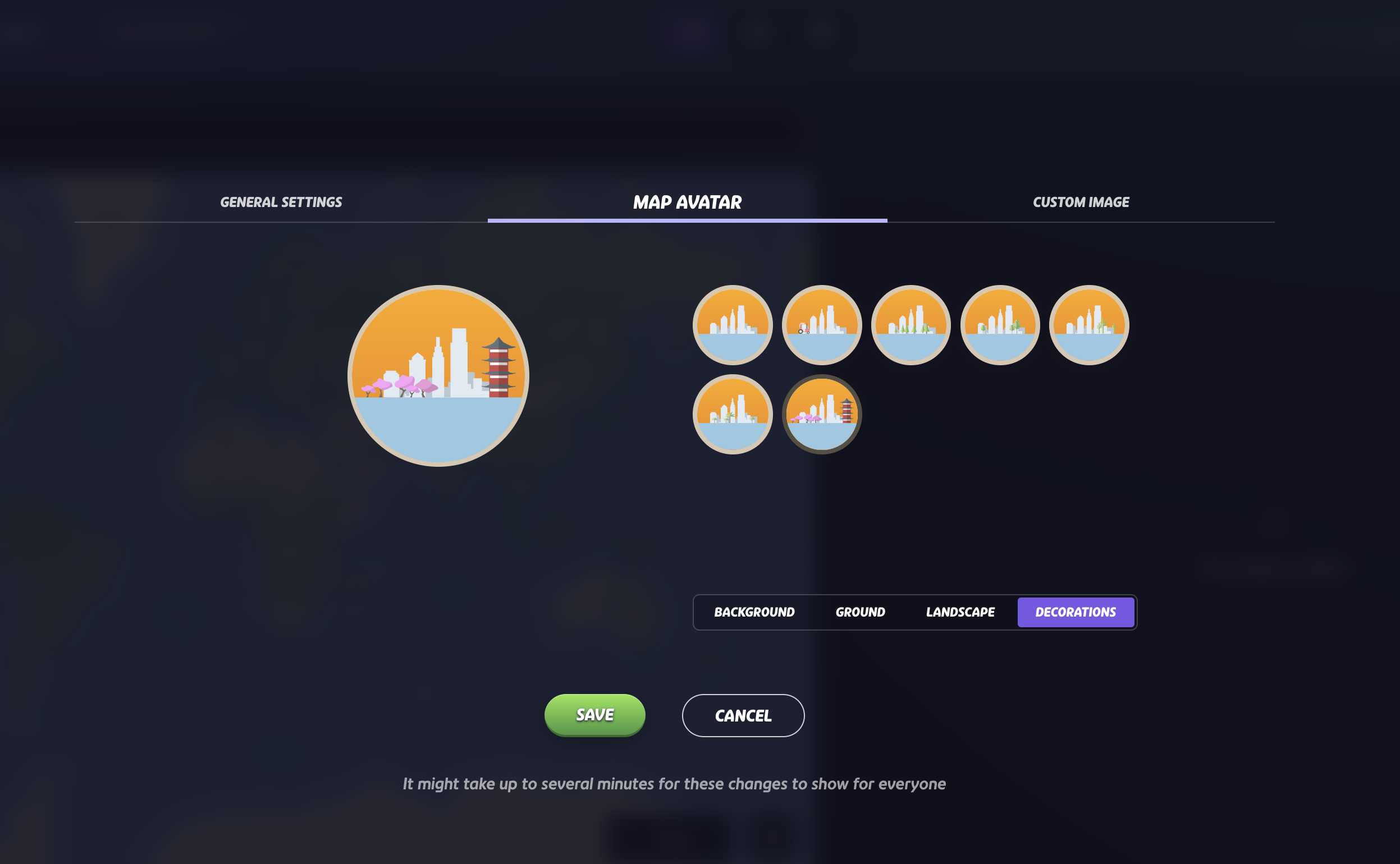
You can give your map a name, description and decorations.
To change the image or decorations of your map, go to 'edit map' and click on the image of your map in the top left corner. A window should pop-up with options to edit more.
Please ensure that your map name is longer than 3-characters, other you will not be able to publish the map!
Once published, you can find all of your drafted and published maps in your Creator Hub, where you can see how many have played them and also edit the maps!