You can apply for verification from your Account Settings.
- Open your profile
- Select Account
- Go to Request Verification
If you need to verify your email first, you can do so by requesting a new password reset and set a new password.
Requirements
Your account must be:
- Authentic
- Notable
- Unique
- Active
- Pro subscribed
If you are a Map Maker that has contributed to the site, feel free to add links related to this in your application.
Good to Know
- Verification badges may be removed.
- Changing your username removes your badge.
- Eligibility does not guarantee approval.
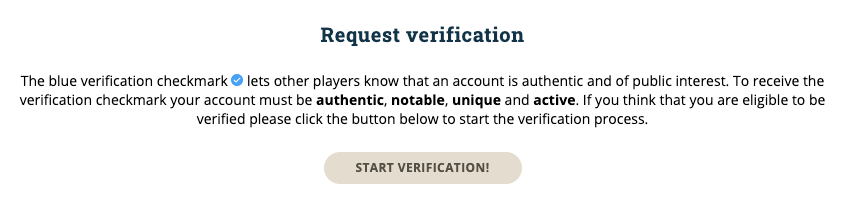
Request Verification
The verification badge helps identify authentic and notable accounts.
If your account meets the requirements, you can start the verification process from your Account Settings.
Was this article helpful?
That’s Great!
Thank you for your feedback
Sorry! We couldn't be helpful
Thank you for your feedback
Feedback sent
We appreciate your effort and will try to fix the article